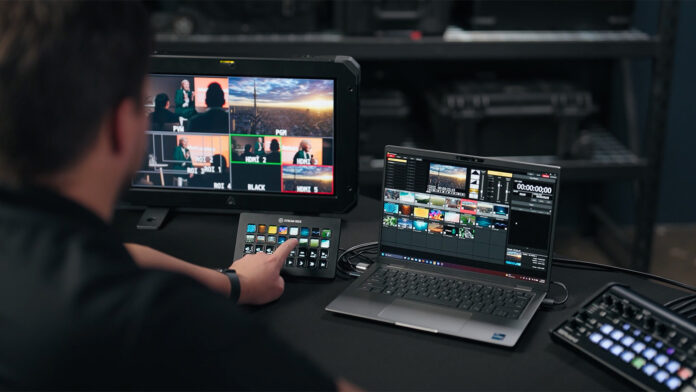
A missed cue can sink a live show faster than a dropped camera feed. The title card lands late. The loop stutters. The wrong clip fills the screen just as the pastor reaches the punchline. Almost every one of these mistakes starts the same way. An operator digs through menus while the room waits.
Most of that can be prevented before showtime. Easy-to-learn playback software keeps your operator watching the clock instead of the interface.
Slides on one Windows PC present the same problem as playback for a touring production. The goal is a tool that behaves the same way every time you press the button.
Build your layout around the cue sheet
Give every clip a home before the first rehearsal. Roland’s Media Presenter organizes clips into up to 20 palettes per project. Each palette holds 32 playback slots, for 640 slots in total. That’s plenty for a multi-day conference. Nobody has to scroll through one overloaded list while the clock runs.
Leave empty slots where they make sense. If a segment gets cut, its slot stays open. The next clip still sits where your operator expects it. Set thumbnails from a selected frame, too. A picture is far easier to spot under pressure than a file name like “final_v3_REAL.mov.”
Consistency matters more than most people expect. Once every clip sits in the same spot from rehearsal to showtime, your operator’s hands learn the layout. When the speaker runs long and the cue sheet gets rewritten on the fly, that muscle memory carries the show.
Match formats before doors open
Resolution mismatches tend to surface on show day, usually when a library mixes 4K clips with HD ones. Media Presenter handles both. You can scale each clip and position it to fit the production. A file that looks crisp on your laptop may look soft on a 4K projector, though. Test your clips on the real output path early. You’ll catch the surprises before the audience does.
Let the switcher share the load
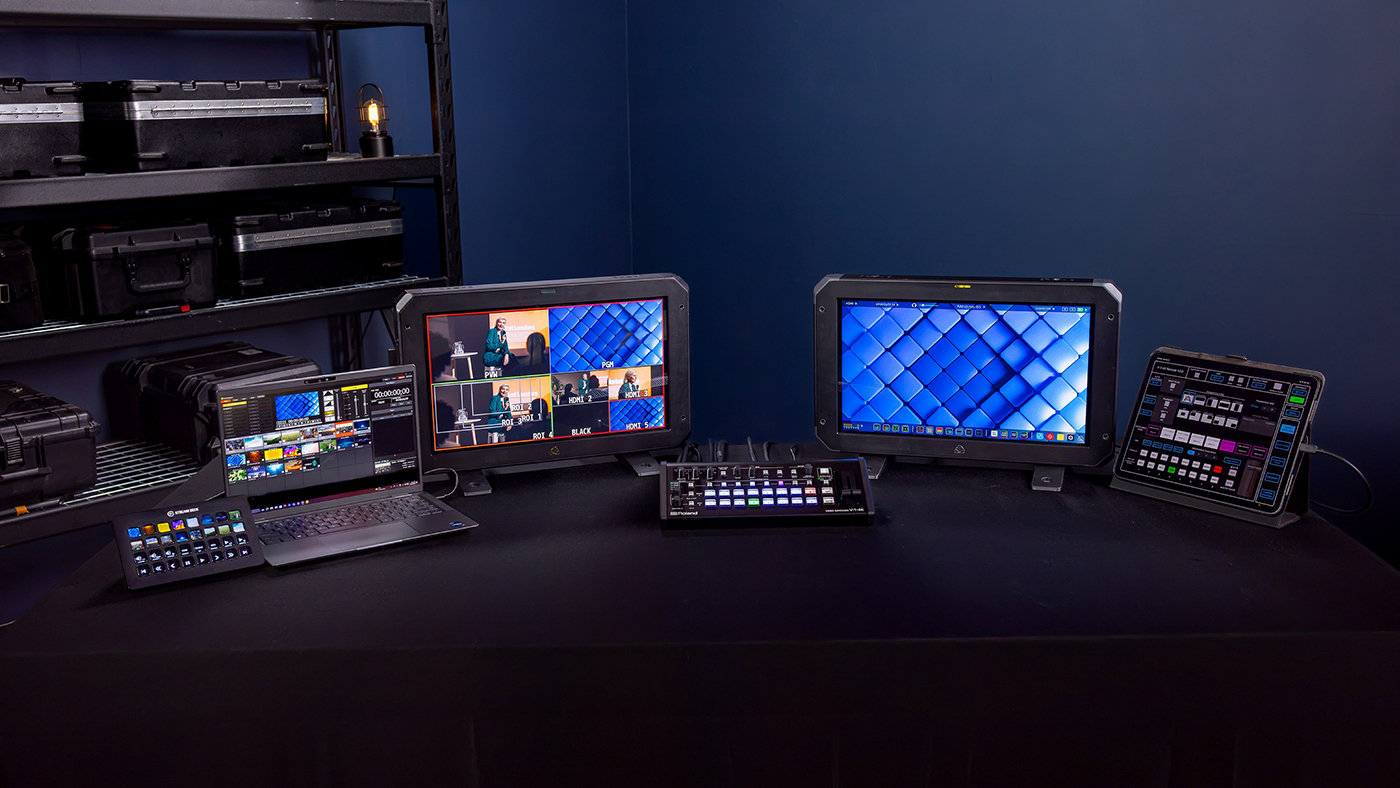
Playback software works best when it talks directly to the switcher. With a compatible Roland switcher, Media Presenter sends fill and key output over one HDMI cable. That’s one less cable to lose in the rack. Supported models include the V-1-4K, V-160HD, V-80HD, V-8HD, VR-120HD and VR-6HD.
Keep your operator at the switcher, where cut decisions happen. USB remote control makes that possible. Stream Deck owners can map custom buttons to clip playback and other software functions. Set aside a dedicated pad for the cues you fire most often. The mouse stays out of the middle of the show.
Big productions split the work. One person calls the cuts. Another manages the cues. Each operator stays locked onto a single job, which counts when the stakes are high. Cross-train a volunteer on one lane. If a colleague gets pulled away mid-show, that volunteer can step in, and the show keeps rolling.
Rehearse on the free trial
The free trial unlocks every feature, so use it fully. Import your media first. Build your playlists next. Then run the full sequence on your own gear. Treat it as a dress rehearsal, not a finished show. A watermark stays on your video output until you buy and activate a license, so plan around it to avoid surprises on air.
Licenses come through Roland Cloud or a license card from a Roland dealer. Rental companies can manage several licenses from one account, activating and deactivating devices as needed. Media Presenter arrives in February 2027, giving production teams plenty of time to plan for the spring season.
No playback tool can remove the pressure of a live show. Careful setup handles the mistakes you can control. That leaves you free to focus on the room.
You can learn more at roland.com.