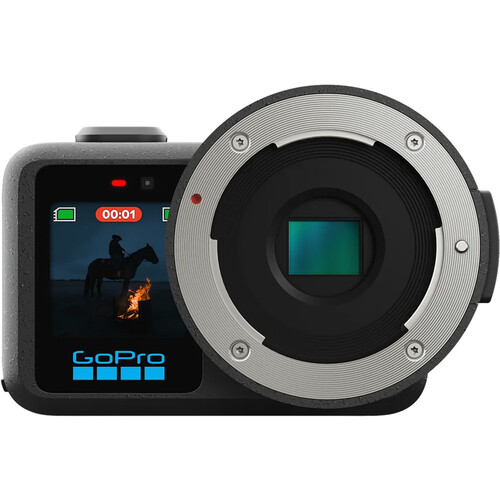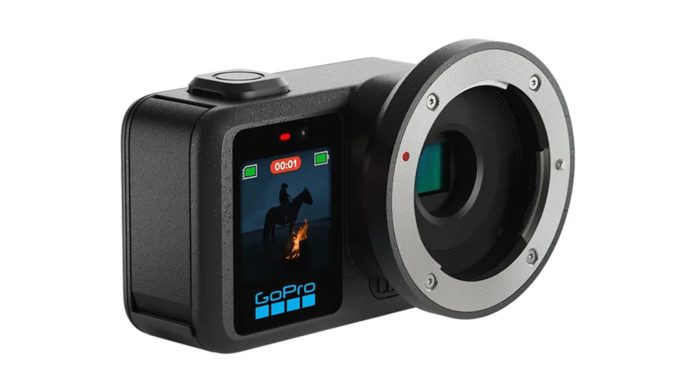
GoPro released a free firmware update for its Mission 1 series cameras on Oct. 13. Firmware version 4.01 reworks how the cameras shoot still photos. The GoPro Mission 1 Pro ILS also gains anamorphic lens support through GoPro Labs.
Rapid Photo
GoPro calls the update a “ground-up rebuild” of how the cameras capture stills. The company says it turns the Mission 1 series into rapid-fire photo tools. The headline change is a zero-lag shutter button. Photos are captured the instant you press it.
GoPro says performance depends on the light and how much the camera is moving. Settings and microSD card speed also play a role.
Continuous shutter
The firmware also adds a continuous shutter. Hold the button down and the camera keeps shooting. GoPro says one burst can capture more than 20 RAW photos at 50 MP or more than 100 photos at 12 MP. A new on-screen indicator warns you as the camera nears its buffer limit.
The shutter sound gets a refresh too. GoPro says the “modernized shutter sound” gives clearer audio confirmation for each photo. Neither Rapid Photo nor continuous shutter works in SuperPhoto mode. The same goes for Interval Photo and Burst Photo.
Anamorphic lens support
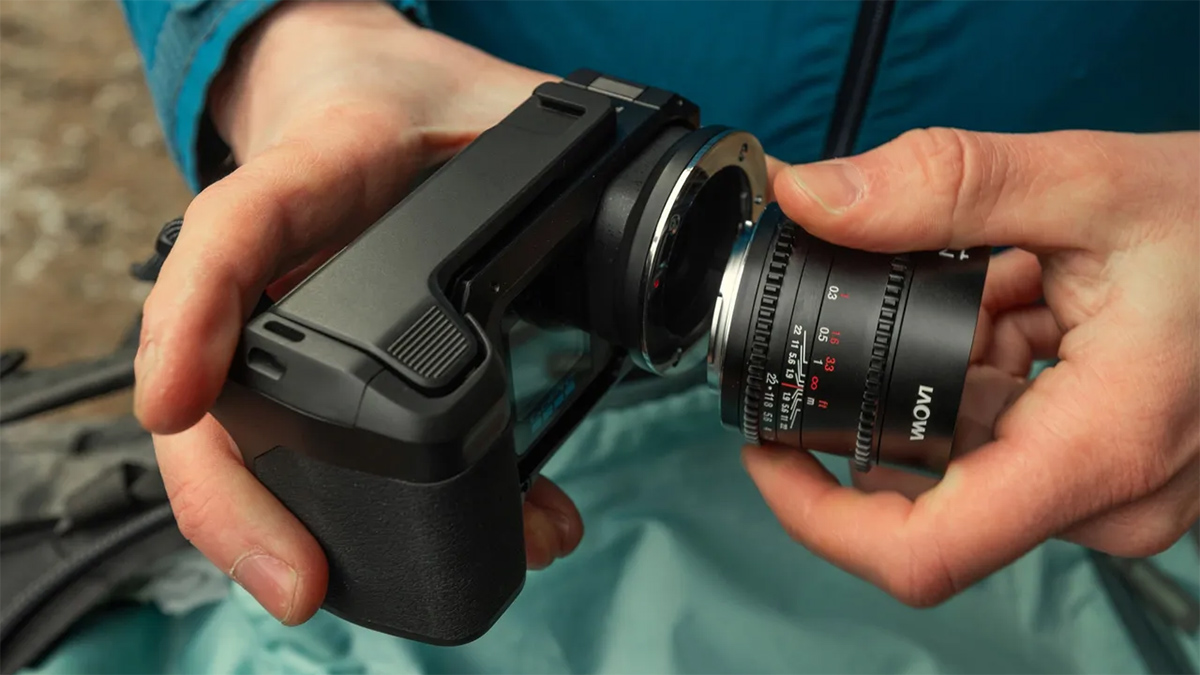
The flagship Mission 1 Pro ILS brought Micro Four Thirds mount lenses to the GoPro range. Now GoPro Labs adds anamorphic support to that camera. Labs is GoPro’s public beta firmware program for features beyond the stock controls. It handles squeeze ratios from 1.33x to 2.0x, with stops at 1.5x, 1.6x and 1.8x. Presets let you switch between anamorphic and spherical lenses.
GoPro’s Emmy Award-winning HyperSmooth stabilization works with anamorphic recording. The camera also writes pixel aspect ratio metadata, so Adobe Premiere Pro and DaVinci Resolve display the footage correctly. An on-camera de-squeeze preview for the rear screen is coming soon. GoPro hasn’t given a date.
Mission Monitor
Mission Monitor is the free iPhone and iPad live-preview app for the Mission 1 series. It now has four professional monitoring tools. A histogram and waveform help you judge exposure. RGB parade and false color round out the set. The app can also connect to your camera wirelessly for live preview, and it supports the new Rapid Photo and continuous shutter features. You need iOS 18 or later.
What we think
Stills shooters get the clearest win. A shutter that fires the instant you press it makes fleeting moments easier to catch. A 50 MP RAW burst gives you room to pick the best frame later.
Video shooters get more than you might expect. GoPro markets the Mission 1 series as compact cinema cameras rather than action cameras, and the Mission Monitor tools back that up. Waveform and false color on your phone let you set exposure before you roll. That helps when the camera’s own screen is tiny. Burst stills also give you thumbnail and promo frames from the same shoot.
Anamorphic support is the bigger story for filmmakers. Squeezed footage gets you a wide-screen look from a very small camera. We’d wait for the de-squeeze preview before leaning on it, since framing squeezed footage without one is guesswork. Because the feature lives in GoPro Labs, expect some beta quirks. If you own a Mission 1 series camera, install the update now.
Pricing and availability
Firmware version 4.01 is free and available now. Update through the GoPro Quik app or download the firmware from GoPro.com. The GoPro Labs anamorphic firmware is a free download from the Labs site. The Mission Monitor update is free in the Apple App Store. GoPro didn’t list camera prices in its announcement.