

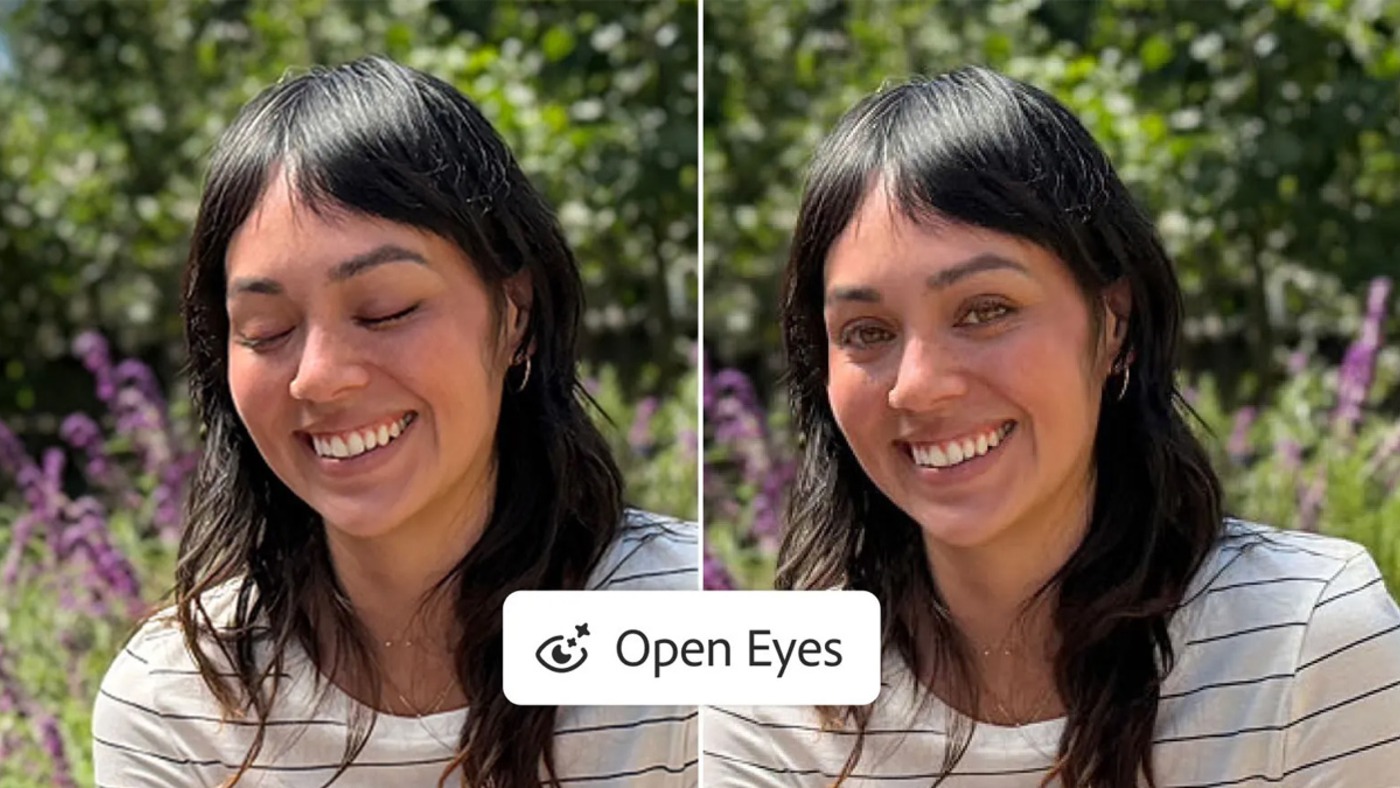
We have all taken that photo. The shot from the family gathering looks great until you notice someone blinked. In the past, that moment was lost. Open Eyes in Adobe Lightroom on mobile now offers a fix.
Open Eyes
As the name suggests, Open Eyes is a one-click fix for photos where the subject’s eyes are closed. For now, it only works in the mobile app. The desktop version of Lightroom doesn’t have it. The standard Lightroom app is free to download. Open Eyes uses generative AI, so you need generative credits to use it. You get two free tries before you have to pay.
How it works
Fixing closed eyes takes seconds. Open a photo in Lightroom and the app checks for a subject with closed eyes. If it finds one, Lightroom shows the Open Eyes icon as a Quick Action. Tap it to run the tool. With your permission, Open Eyes then scans your photo gallery for reference images. Adobe says other photos of the same person in your Lightroom library can make the result more accurate by matching eye color, shape and size.

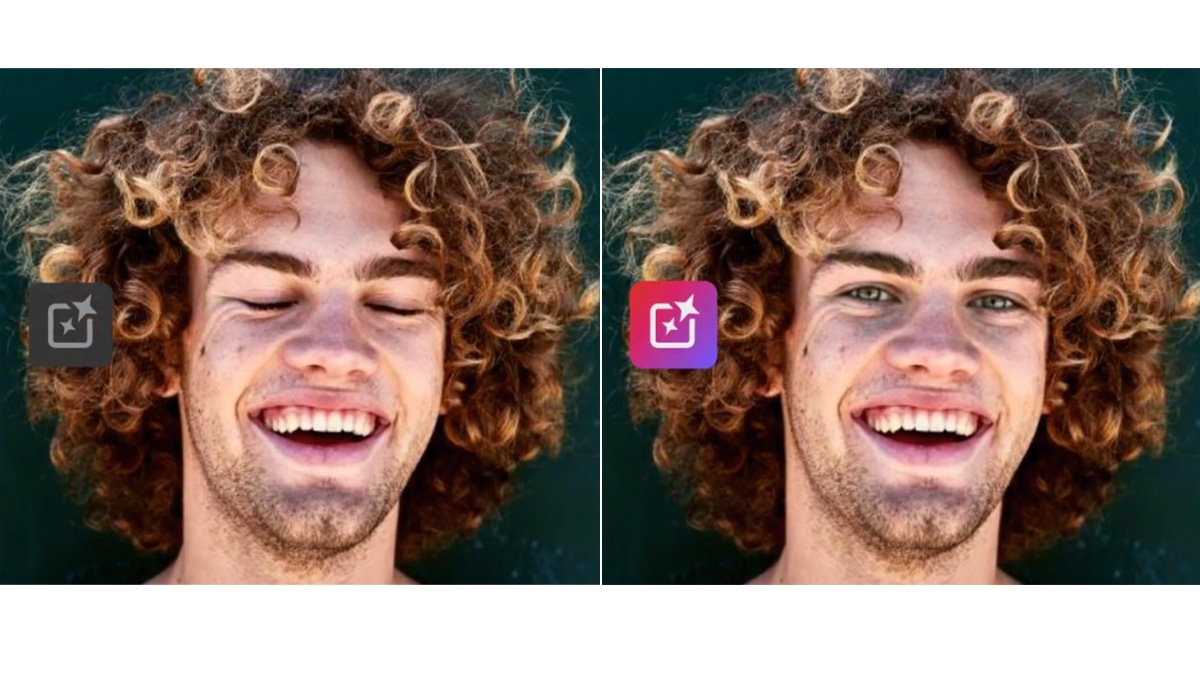
How well does it work?
Adobe’s sample images look effective. Those demos use clear reference images that show the subject’s eyes, though. In our own test, Open Eyes generated realistic eyes for the person but got the eye color wrong. That happened even after Lightroom scanned the phone’s gallery for references.
Some expressions also cause closed eyes naturally, such as laughing. Swapping in open eyes on a photo like that looks unnatural.
What we think
Open Eyes shows a lot of promise. You can get similar results in Photoshop by cutting and pasting eyes from another photo. That route needs a source image shot from the same angle with similar lighting. It also takes time and some Photoshop skill. Open Eyes offers a one-click alternative that can deliver good results with the right reference images. This is the first version, and the tool will likely improve.
Video shooters who double as photographers on events or behind-the-scenes shoots may find it handy when a retake isn’t possible. If you want to try it, download the free Lightroom app on your phone.
Pricing and availability
The Adobe Lightroom app is available now from the Apple App Store and Google Play Store. It’s free to install and use, including two free generative AI credits for Open Eyes. After that, you need to buy more credits. The paid Lightroom Premium plan includes 100 monthly generative credits.


