

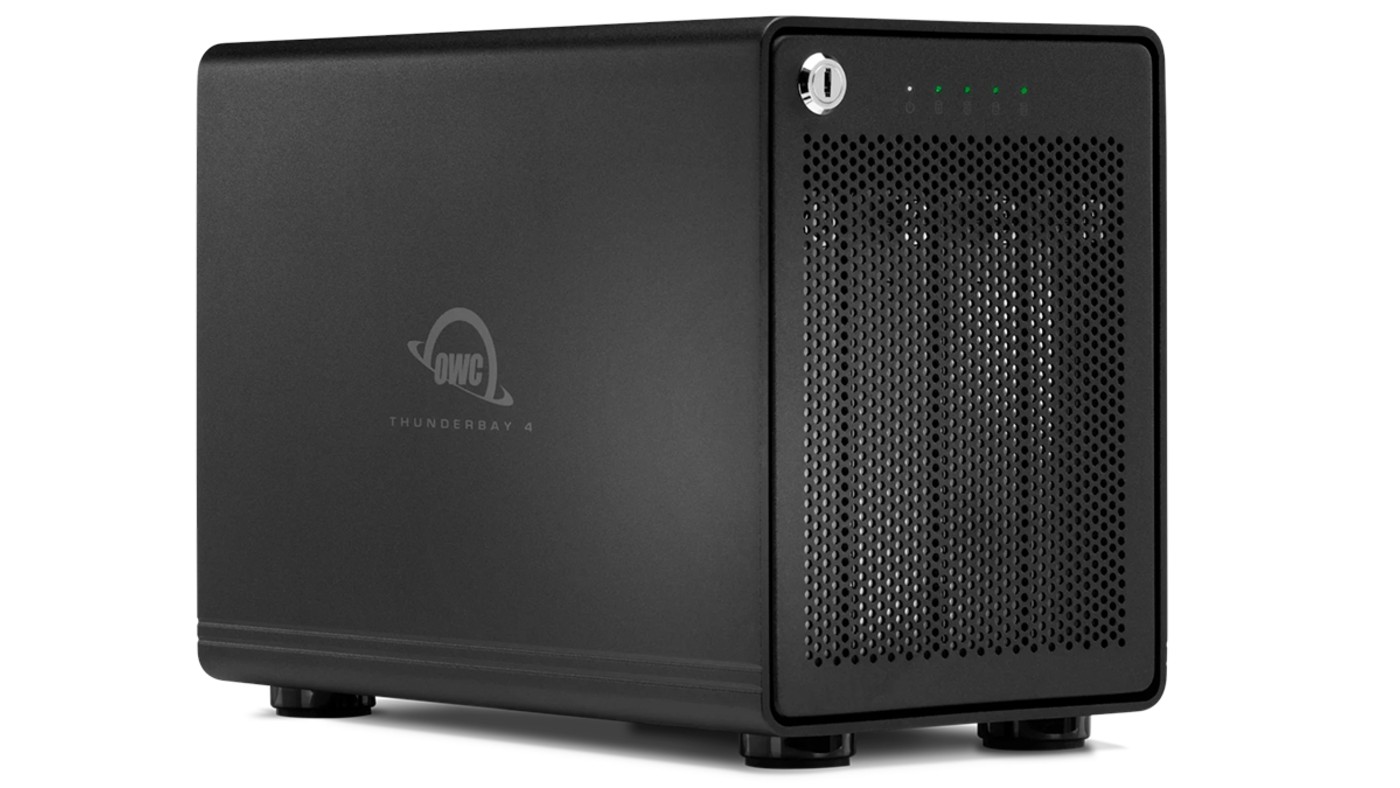
OWC has upgraded its flagship ThunderBay 4 RAID enclosure. The new version swaps in a Thunderbolt 5 connection and raises maximum capacity to 128 TB. For editors juggling 6K and 8K footage, that mix of bandwidth and space is the whole point.
Design
The ThunderBay 4 with Thunderbolt 5 keeps a solid all-aluminum enclosure with a locking front panel. Its metal housing pulls heat away from the drives. A quiet 92 mm fan pushes air through the vented chassis as well. Vibration-absorbing feet keep it from humming on your desk while you cut.
Thunderbolt 5
Thunderbolt 4 brought some improvements, but it topped out at the same 40 Gb/s as Thunderbolt 3. Thunderbolt 5 doubles that to 80 Gb/s each way. Its Bandwidth Boost mode can push up to 120 Gb/s to your displays when you plug in several high-resolution monitors. It can deliver more power for charging, too.
Transfer speeds
You get two Thunderbolt 5 ports. One is the host connection to your computer. The other is a downstream port for daisy-chaining Thunderbolt, USB4 and USB-C devices without giving up a port on your machine.
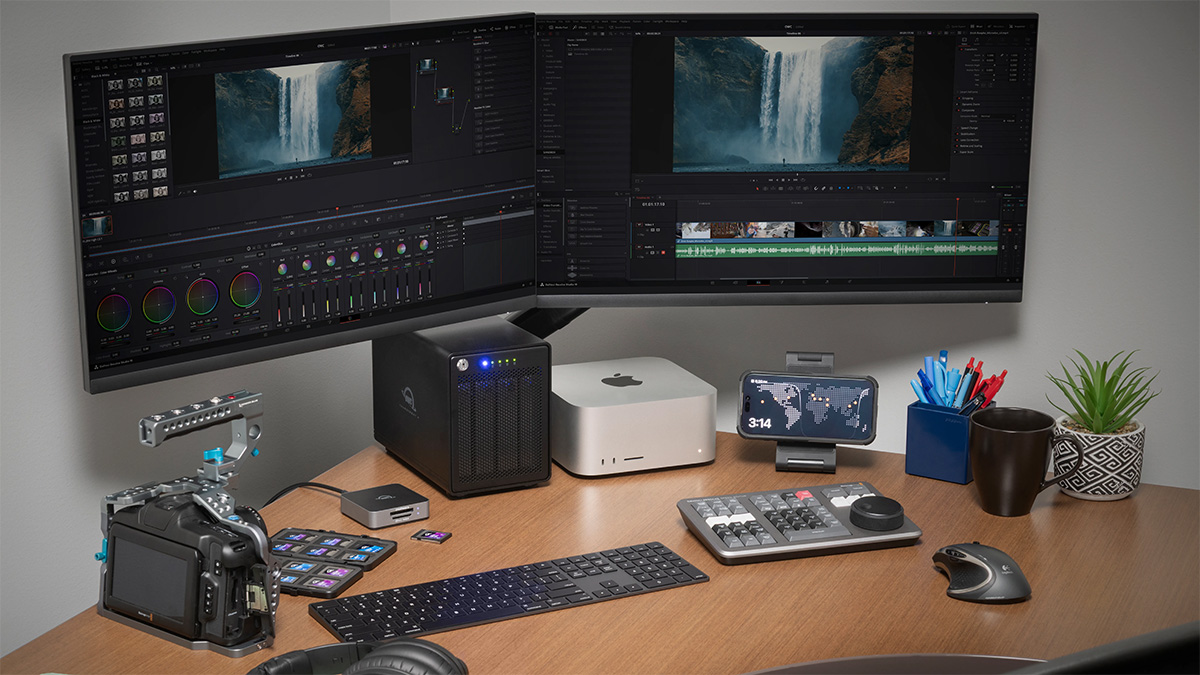
OWC quotes real-world speeds of up to 1,268 MB/s with hard drives and up to 1,703 MB/s with SSDs, both in RAID 0. In the edit bay, that’s enough headroom to run several streams of 4K ProRes 422 HQ straight off the array. No more copying clips to an internal drive before you start cutting.

Increased storage
The ThunderBay 4 holds four drives. The previous version maxed out at 96 TB of total drive space. The new model accepts four 32 TB drives for a maximum of 128 TB in RAID 0. Set up as RAID 5, that works out to about 96 TB of usable space.
RAID 5
Out of the box, every ThunderBay 4 with Thunderbolt 5 is configured for RAID 5. That setup needs at least three drives, but it protects your data if one drive fails. You can switch to RAID 0, 1, 4, 5, 6, 6+, 10 or JBOD if your workflow calls for something different.
OWC’s SoftRAID software handles setup. It also runs continuous drive health monitoring in the background. Need your footage while you’re on the road? OWC’s optional Strada software lets you reach the array from anywhere.
What we think
Higher resolutions and bitrates eat storage fast. The ThunderBay 4 with Thunderbolt 5 tackles both problems in one box. Thunderbolt 5 delivers the data rates you need to edit video, and RAID 5 means a dead drive doesn’t take your project down with it.
It isn’t cheap. Today’s high hard drive and SSD prices push the total cost even higher. Still, losing a client’s footage costs a working shooter far more than this enclosure does.
Pricing and availability
The OWC ThunderBay 4 with Thunderbolt 5 is available now. Pricing starts at $550 for the empty enclosure. A version preconfigured with 128 TB of RAID capacity costs $1,500.


