Elgato has launched its first wireless microphone system. The Elgato Wave Go clips on for hands-free recording. Slot it into the Smart Handle and it becomes a handheld interview mic.
Design
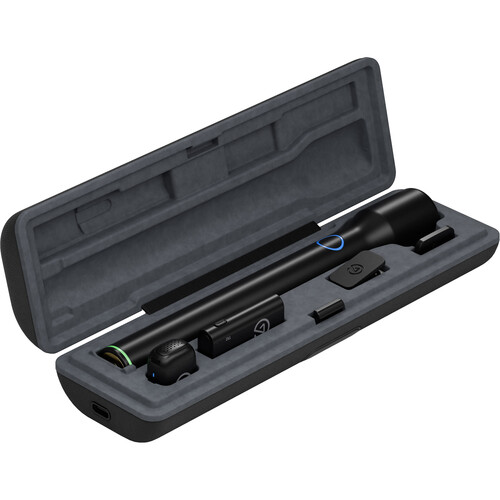
The Wave Go kit includes one transmitter and a USB-C receiver. A magnetic plate and magnetic clip attach the transmitter to your talent. The Smart Handle covers handheld mode. Furry windscreens fit both the transmitter and the handle. Everything ships in a carrying case with a travel pouch and a USB-C charging cable.
Transmitter
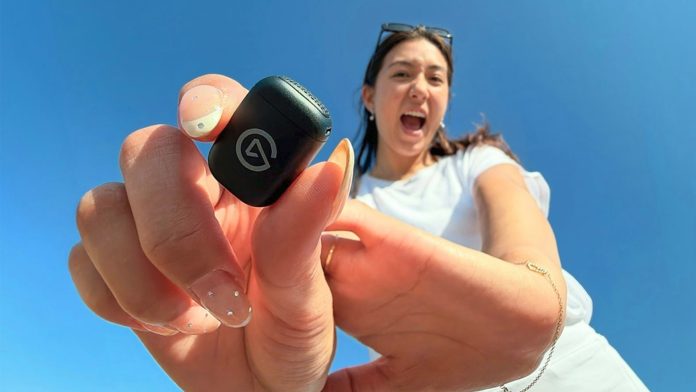
The tiny transmitter measures 0.8 by 1.1 by 0.5 inches (20 by 29 by 12 mm). It weighs 0.25 oz (7 g). Inside is an 80 mAh battery that Elgato says lasts up to eight hours. A full recharge takes about 1.5 hours.
Receiver
The receiver measures 1.6 by 1.1 by 0.4 inches (40 by 28 by 9 mm) and weighs the same 0.25 oz (7 g). It plugs into the USB-C port on a phone or tablet. Computers work too.
Camera shooters should note that the system doesn’t work with cameras. The receiver can pair with two transmitters at once, but your device gets a merged mono feed.
Smart Handle
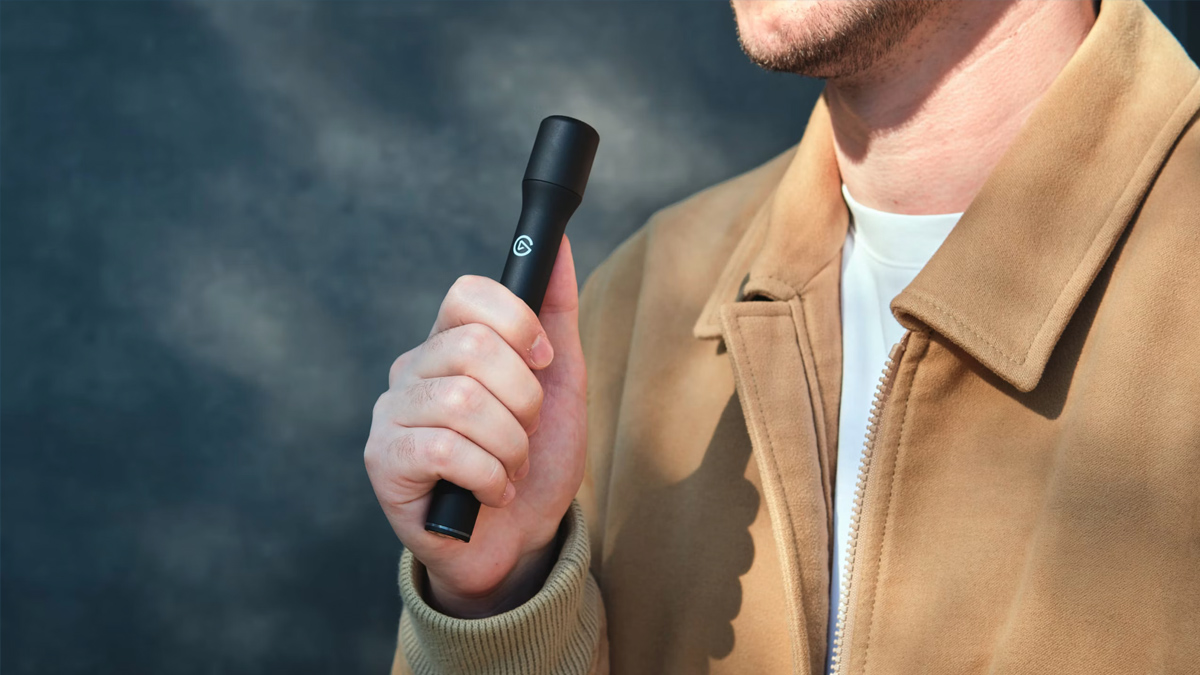
Some wireless systems give you a plain plastic holder. The Wave Go Smart Handle has its own battery. It recharges the transmitter up to five times for a total runtime of 48 hours. The handle splits into two parts, and the transmitter sits fully inside.
Using the Wave Go system
Elgato says the system uses a 2.4 GHz wireless connection with a range of up to 100 feet (30 m). The transmitter and Smart Handle each have a single button. Press it to power on or off. It also mutes the mic and starts or stops recording.
The receiver has its own button for noise cancellation. Status LEDs show when the system is connected, muted or low on battery.
EQ shift
A mic clipped to your chest picks up your voice differently than one held near your mouth. Elgato built EQ Shift to deal with that. The system detects whether the transmitter is clipped on or docked in the Smart Handle. It then applies a matching EQ profile.
Audio processing
Auto Gain adjusts your level in real time. Switch it off to pick from six preset manual gain levels. On-board noise cancellation removes background sound, and you can toggle it from the receiver. The Wave Go app adds High, Medium and Low settings. A dynamic range control smooths sudden peaks, while a low-cut filter trims low-end rumble.
Wave Go app
Elgato stresses that the Wave Go works out of the box, so the app is optional. It does add some controls. You can switch between auto and manual gain and set noise cancellation levels. The app also mutes each mic, checks battery levels and installs firmware updates. Plug the receiver into a computer and the app controls the system from there. When the receiver and app share a device, a real-time level meter shows your input.
What we think
Elgato aims the Wave Go at creators who record to a phone or computer. If you shoot with a camera, skip it. The transmitters also have no on-board backup recording, so you can’t fall back on a spare file if the wireless link drops. What you do get is a low-cost mic system that’s simple to use.
The charging Smart Handle suits creators who switch between on-talent audio and handheld vox pop interviews. It doubles as a charger for the transmitter.
For video shooters, the appeal is phone-based work. Think vertical social clips, street interviews on an iPhone or a voiceover recorded at your desk. Anyone shooting on a mirrorless or cinema camera still needs a system with a camera-ready output. For phone-first creators, the Wave Go could be the only mic system they need.
Pricing and availability
The Wave Go is available now at Elgato’s website for $100. That price covers one transmitter and one receiver. The Smart Handle, case and other accessories come in the box. A second transmitter costs $30, though Elgato is currently offering it at $15.